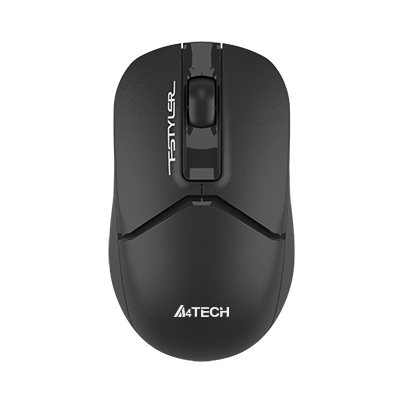
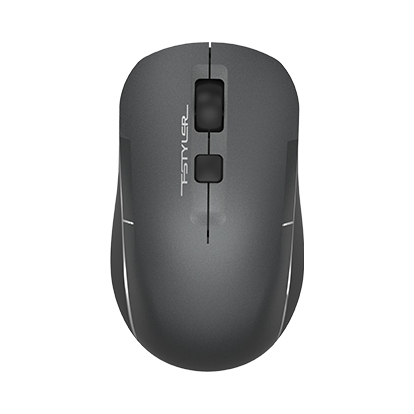
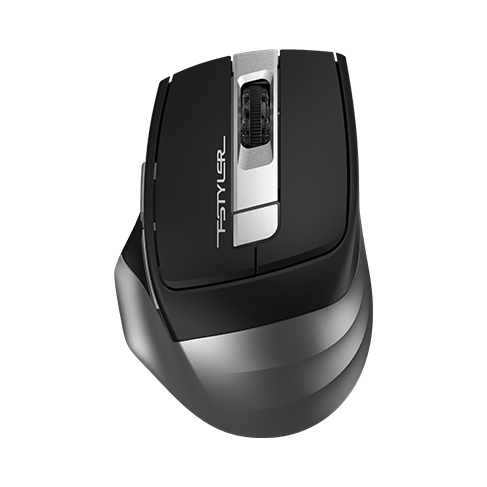
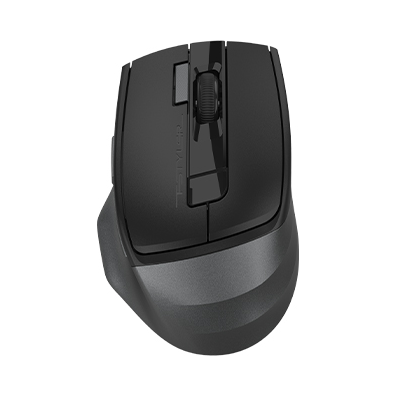
2.4GHz wireless connection
Connect over 2.4GHz wireless with a stated operating range of 10–15 m. Actual range depends on surroundings and interference.

G7-810S Air2
2.4GHz Wireless Mouse
2.4GHz Wireless Mouse
Color: Black
Rs. 2,200
In stock
Delivery within Pakistan · Bank Transfer or Cash on Delivery
A4TECH · G7-810S Air2
Work on your desk. Control media in the air.
A right-handed wireless mouse that combines desk navigation with lift-in-air media controls. It offers silent clicks, four DPI levels, side buttons and a USB Type-C adaptor for its nano receiver.
 2.4GHz Wireless
 Desk + Air
 2000 DPI 4-Level Adjustable
 4 Types Screenshots
 On / Off Power Switch
 Right-Handed Fit
Connect over 2.4GHz wireless with a stated operating range of 10–15 m. Actual range depends on surroundings and interference.
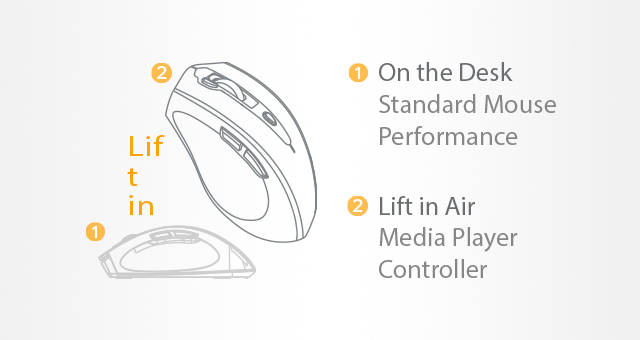
Use the mouse on a desk or lift it for supported media controls, without software installation for the air-control function.
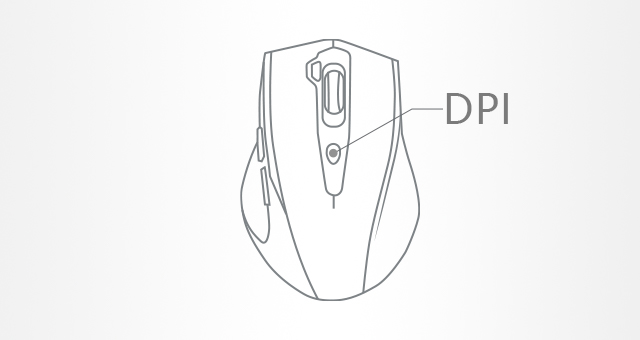
Choose 1000, 1200, 1600, 2000 DPI to adjust pointer sensitivity.
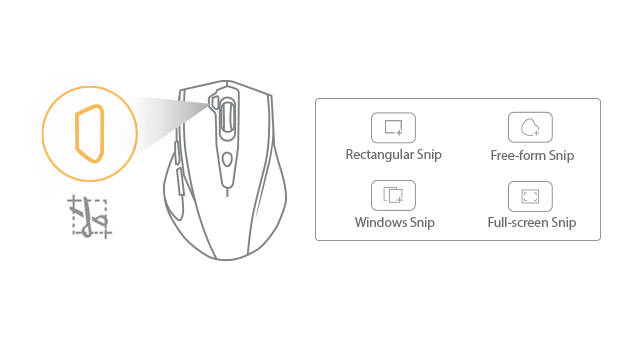
Choose rectangular, free-form, window or full-screen screenshots on supported Windows systems. Screenshot functions require Windows 10/11 or later.
The PC anti-sleep setting simulates mouse cursor movement when enabled.

Silent-click buttons reduce click noise in shared workspaces and quiet surroundings.

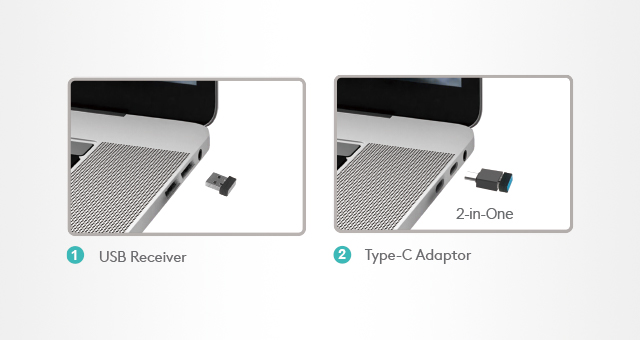
Use the nano USB-A receiver with a suitable USB connection. The Type-C adaptor provides a USB-C connection; operating-system and special-function support remain separate requirements.
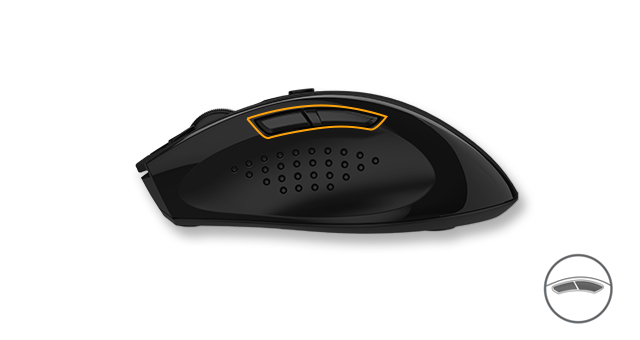
Two thumb-side buttons provide preset backward and forward actions. Optional customization requires compatible software.
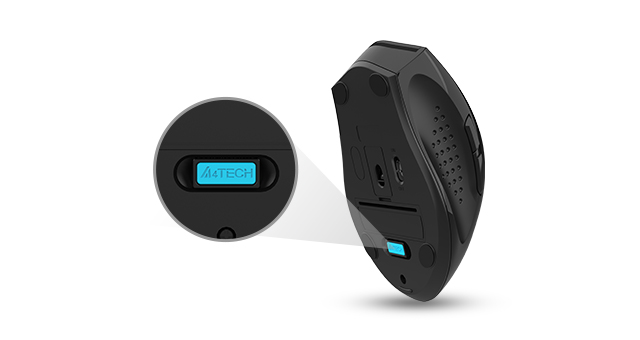
Store the nano receiver inside the mouse when it is not connected.
CHOOSE THE RIGHT CONNECTION
2.4GHz wireless. Connect the nano USB receiver to a suitable USB port.
Windows 10/11. Basic connection support does not imply that every software shortcut works on every platform.
The linked software supports Windows 7/8/8.1/10. Gesture shortcuts and enhanced scrolling require compatible software and should not be assumed available on every platform.
Media controls depend on the operating system and application. PC anti-sleep simulates cursor movement when enabled.
CHECK THE DETAILS
| Model | G7-810S Air2 |
|---|---|
| Connection | 2.4GHz wireless |
| Sensor | Optical |
| Distance | 10~15 m |
| Report Rate | 125 Hz |
| DPI | 1000-1200-1600-2000 |
| Buttons | 7 |
| Style | Right-Handed Fit |
| Includes | 2.4G Wireless Mouse, Nano Receiver, Type-C Adaptor, 1*AA Battery, User Manual |
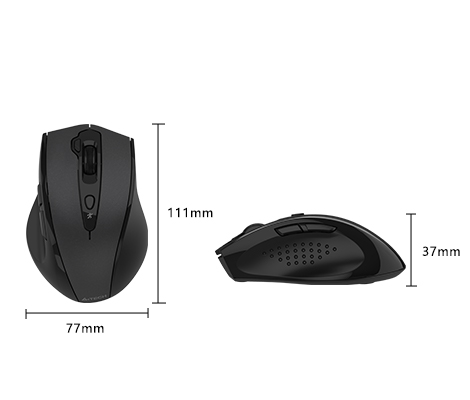
| Size | 111(L) x 77(W) x 37(H) mm |
| Weight | 95 g |
| System | Windows 10/11 |
| Click action | Silent-click model |
PACKAGE CONTENTS
QUESTIONS BEFORE YOU CHOOSE
2.4GHz wireless. Connect the nano USB receiver to a suitable USB port.
Yes. This listing is for G7-810S Air2, the silent-click model.
1000, 1200, 1600, 2000 DPI.
Yes. It uses One AA battery.
Windows 10/11. Basic connection support does not imply that every software shortcut works on every platform. Optional software supports Windows 7/8/8.1/10.
Yes. Desk-plus-air control is available. Supported commands depend on the platform and application; check the compatibility section and linked guide.
No. The screenshot functions require Windows 10/11 or later; they are not universal Mac, Android or Chrome OS controls.
2.4G Wireless Mouse, Nano Receiver, Type-C Adaptor, One AA battery, User Manual. Specifications and package contents may vary by region or revision; confirm any essential accessory before ordering.
No. This model uses a 2.4GHz receiver connection.
Loading recently viewed products…