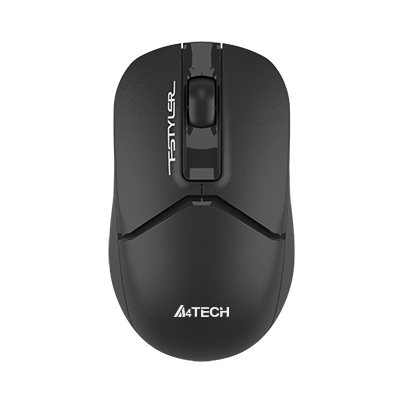
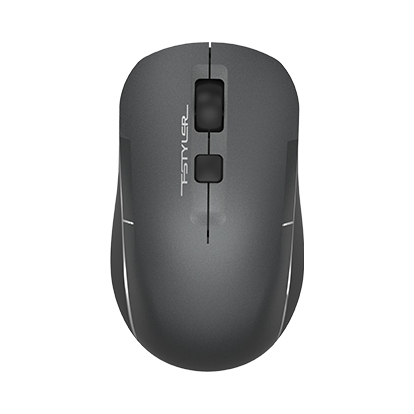
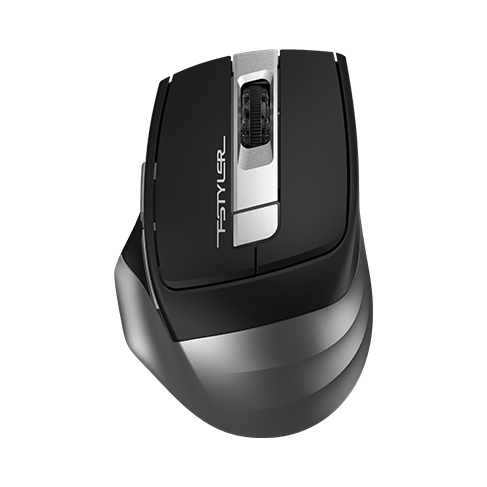
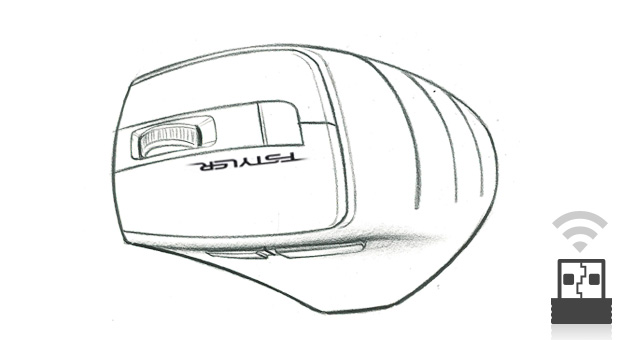
2.4GHz wireless connection
Connect over 2.4GHz wireless with a stated operating range of 10–15 m. Actual range depends on surroundings and interference.

FG30S
2.4GHz Wireless Mouse
2.4GHz Wireless Mouse
Color: Grey
Rs. 2,080
In stock
Delivery within Pakistan · Bank Transfer or Cash on Delivery
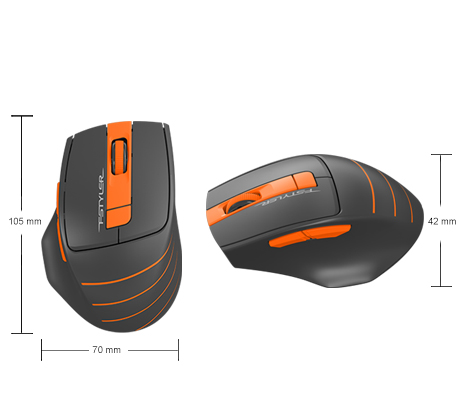
A4TECH · FG30S
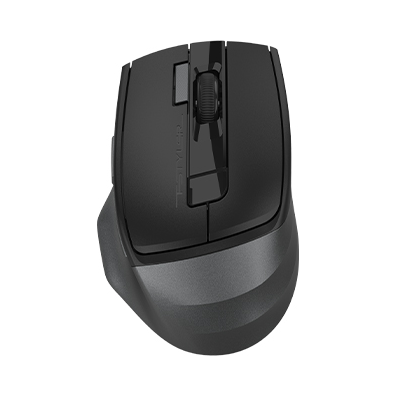
A right-handed shape with extra controls.
A six-button silent-click wireless mouse with a right-handed shape, textured side grips and three DPI levels. Its 2.4GHz connection uses a nano USB receiver and one AA alkaline battery.
 2.4GHz Wireless
 Auto-Channel Sort
 Power Saving
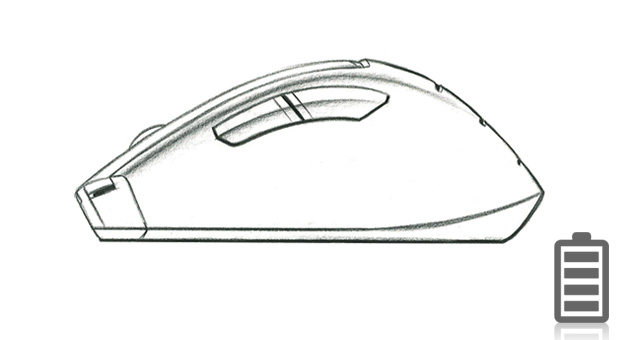
 Battery Life
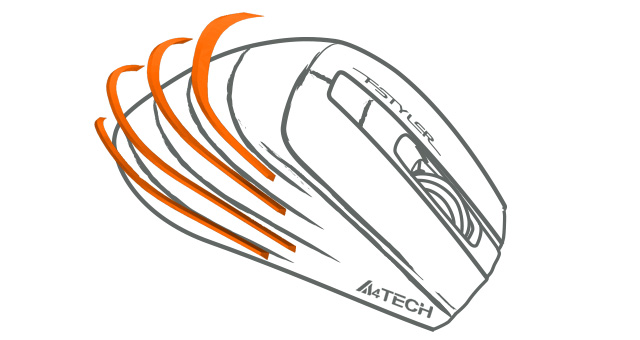
 Anti-Slippery Side
Connect over 2.4GHz wireless with a stated operating range of 10–15 m. Actual range depends on surroundings and interference.
Four automatic power-saving levels reduce energy use, with sleep mode after 0.2 seconds of inactivity.
Textured side grips provide a more secure contact surface when moving the mouse.
Choose 1200, 1600, 2000 DPI to adjust pointer sensitivity.
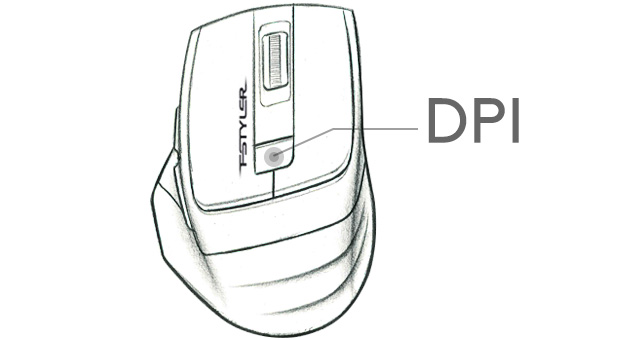
Buttons are rated for more than five million clicks.
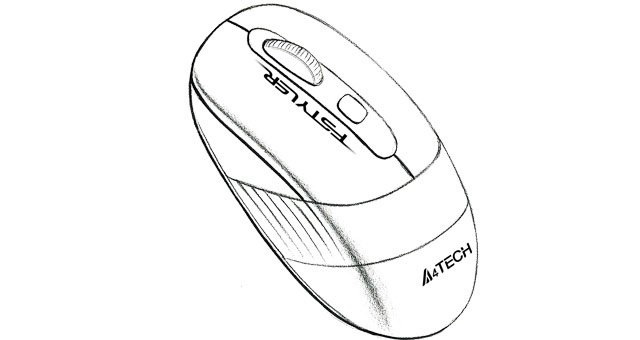
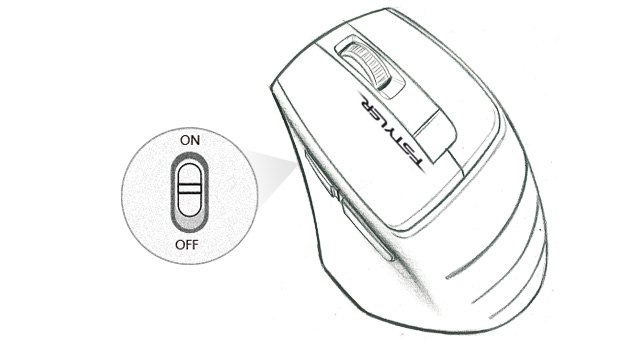
Use the physical power switch when the mouse is not in use or while carrying it.
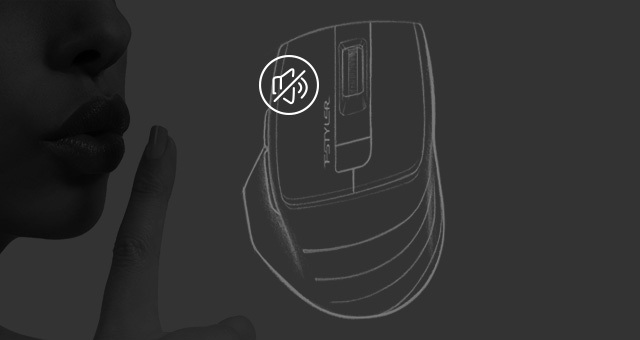
Silent-click buttons reduce click noise in shared workspaces and quiet surroundings.
CHOOSE THE RIGHT CONNECTION
2.4GHz wireless. Connect the nano USB receiver to a suitable USB port.
Windows 10/11. Basic connection support does not imply that every software shortcut works on every platform.
The linked software supports Windows 7/8/8.1/10. Gesture shortcuts and enhanced scrolling require compatible software and should not be assumed available on every platform.
CHECK THE DETAILS
| Model | FG30S |
|---|---|
| Connection | 2.4G Hz |
| Operating Range | 10-15m |
| Ergonomic Design | Right-Handed Fit |
| Sensor | Optical |
| Resolution | 1200/1600/2000 DPI |
| Report Rate | 125Hz |
| Buttons No. | 6 |
| Receiver | Nano USB Receiver |
| Dimension | 105 × 70 × 42 mm |
| Weight | 97 g (w/ battery) |
| Battery | 1AA Alkaline Battery |
| System Requirements | Windows 10/11 |
| Click action | Silent-click model |
QUESTIONS BEFORE YOU CHOOSE
2.4GHz wireless. Connect the nano USB receiver to a suitable USB port.
Yes. This listing is for FG30S, the silent-click model.
1200, 1600, 2000 DPI.
Yes. It uses 1AA Alkaline Battery.
Windows 10/11. Basic connection support does not imply that every software shortcut works on every platform. Optional software supports Windows 7/8/8.1/10.
No. This model uses a 2.4GHz receiver connection.
Loading recently viewed products…